Multiple number
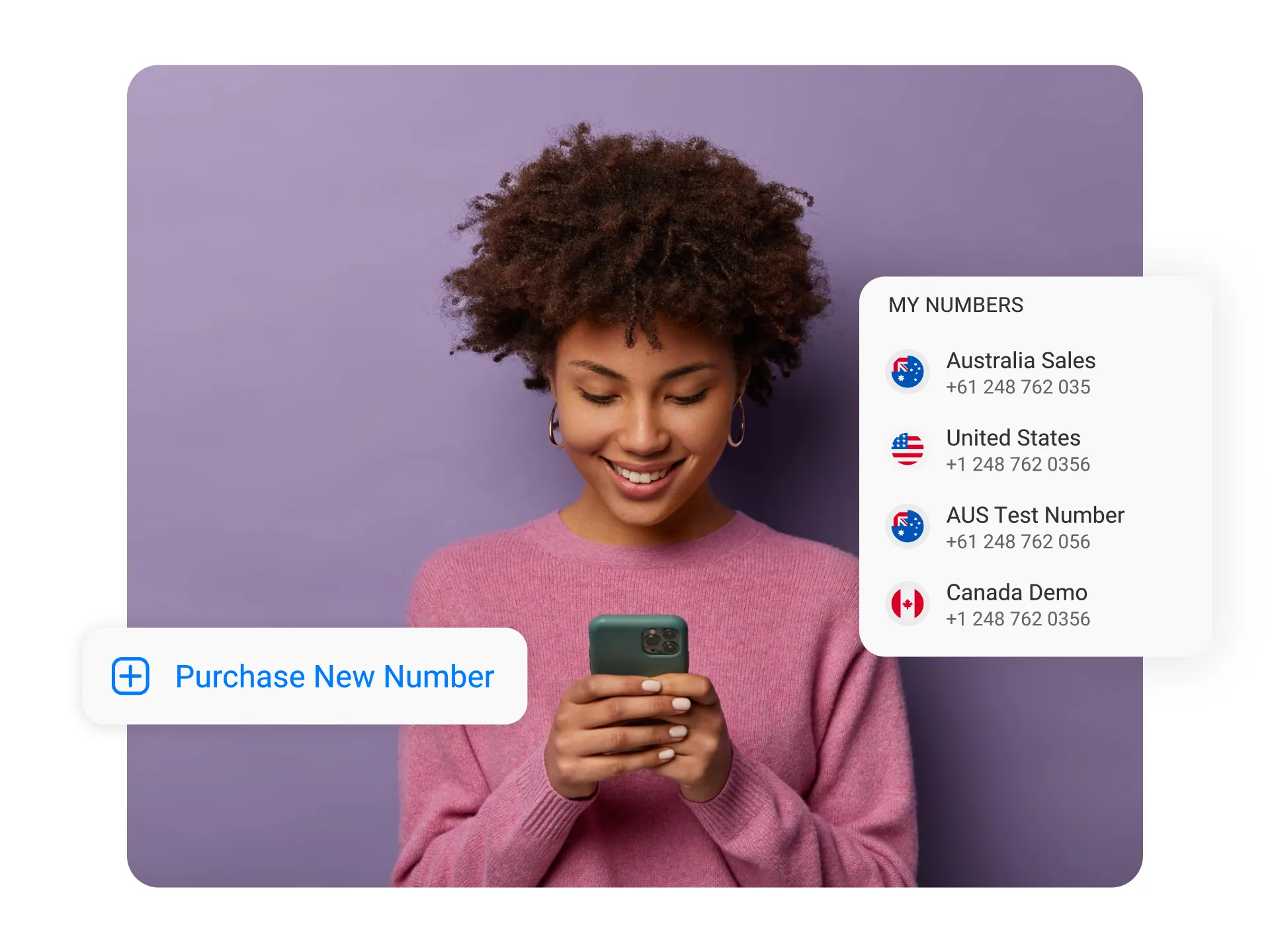


Get a Virtual Number
Get local, mobile, and toll-free virtual phone numbers from 100+ countries and expand your business worldwide.
How to Get Multiple Business Phone Numbers in One Phone?
With KrispCall, you can easily manage multiple phone numbers on one cell phone without any hassle. Follow these simple steps to set up and use all your numbers on a single device:

Create a KrispCall account.

Select the country from the pool of country list.

Choose a number and purchase the number

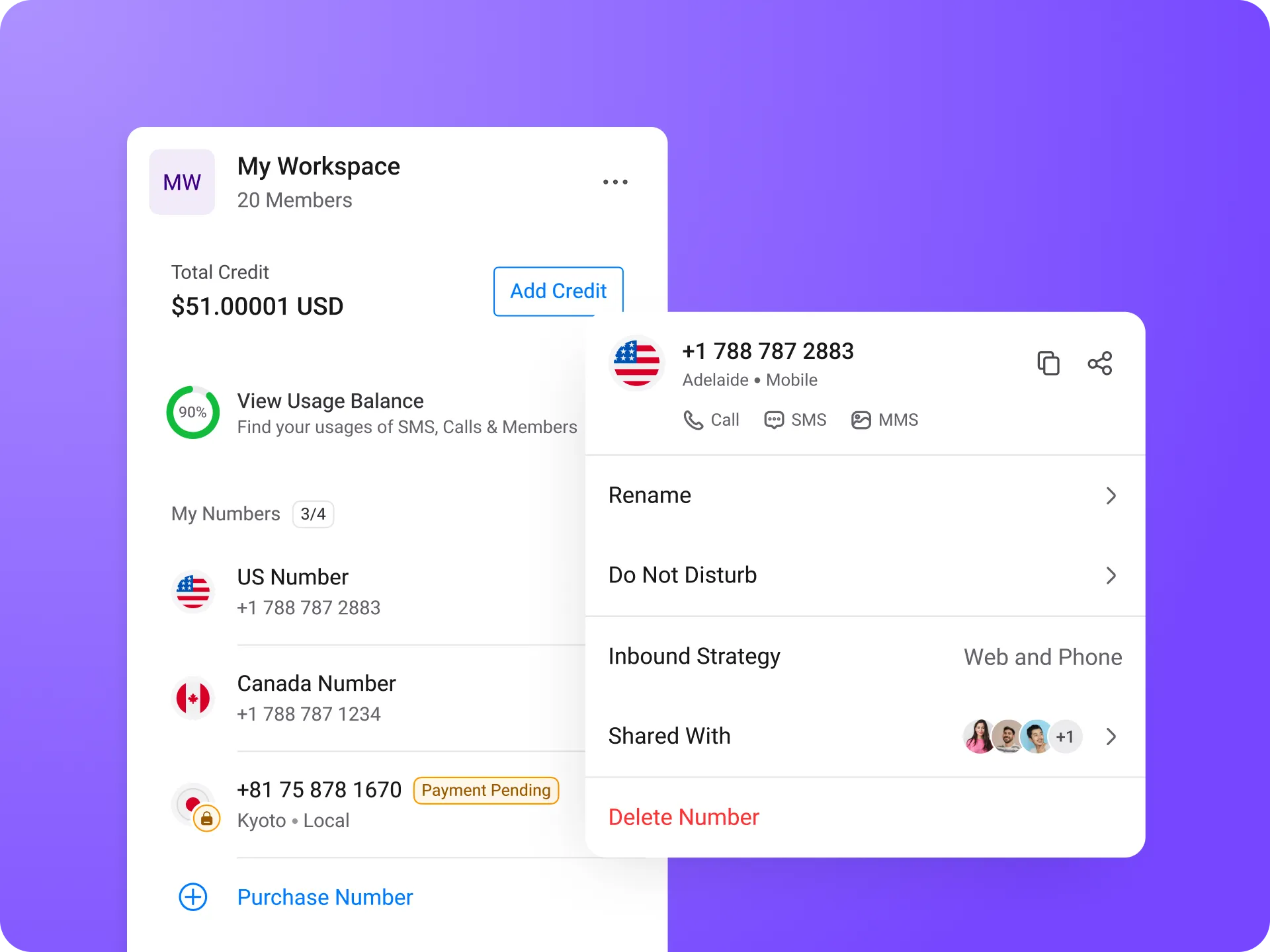
After buying a number, to add a new number, go to Settings > My Number > Add new number.

Repeat the process to choose and buy additional phone numbers.

Continue adding numbers as needed.
What are Multiple Phone Numbers?
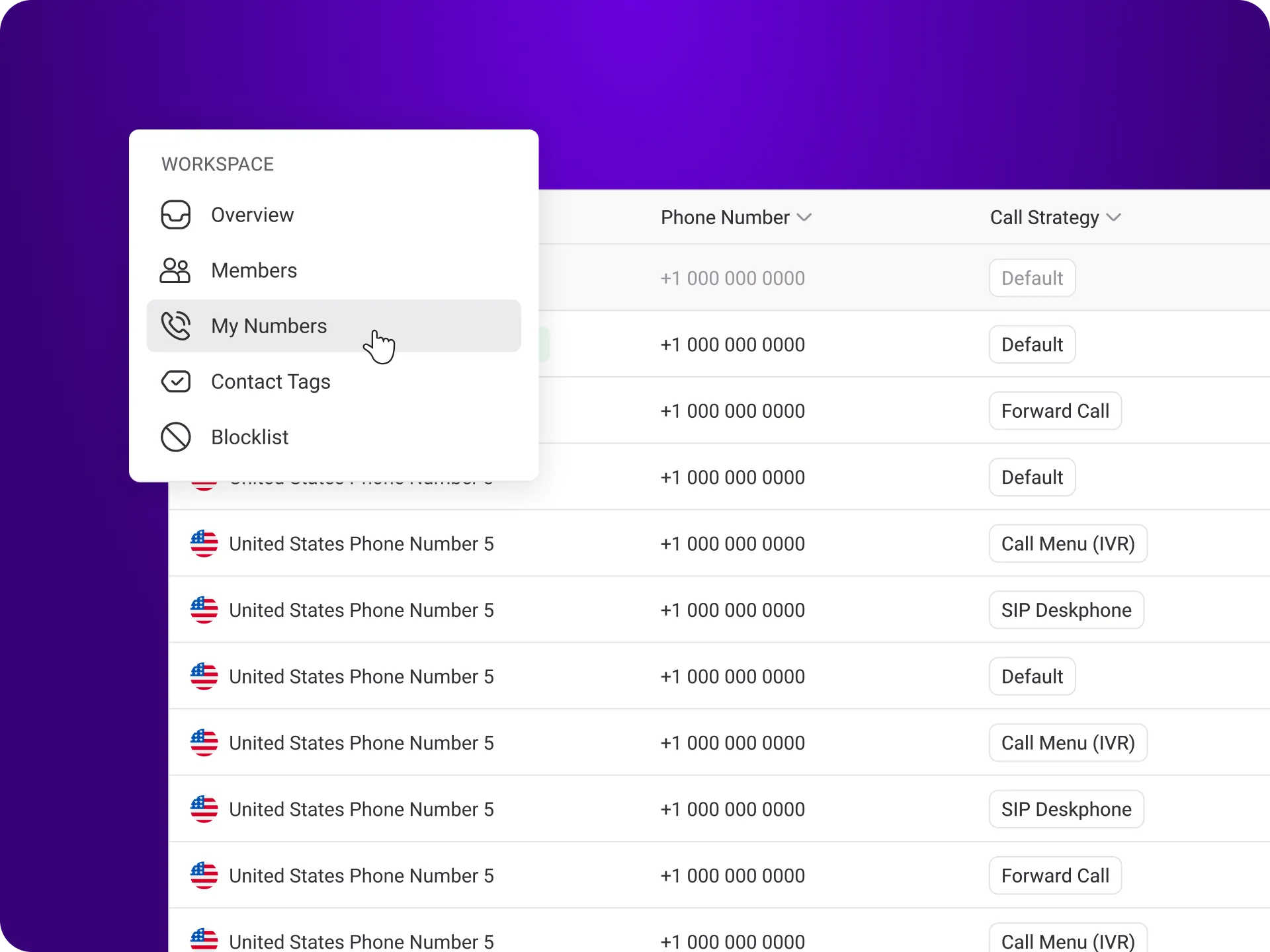
Multiple phone numbers refer to having more than one active number on a single device. This allows you to separate personal and business calls, manage teams, or handle different regions, all without carrying multiple phones. Instead of needing separate phones for each number, you can manage several numbers, local, toll-free, or international, through one phone or a VoIP system.
With multiple VoIP numbers, you can establish a local presence in different cities or countries, making it easier to connect with customers across regions. These numbers also allow you to receive calls, messages, and verification codes for various purposes, including WhatsApp, all on the same device.
How to Manage Multiple Virtual Phone Numbers?
Managing multiple virtual phone numbers is easy with a few key features. Start by using call forwarding to direct calls to the right person or department, especially during non-business hours. You can also implement an Interactive Voice Response (IVR) system to automatically route calls, which helps reduce wait times for your customers.
Also, set unique greetings for each number so callers know they’ve reached the right line. To keep everything organized, categorize your contacts based on the virtual number they are associated with. Lastly, make it a habit to review and update your call forwarding settings regularly to ensure calls are always routed correctly, even when you’re unavailable. With these simple strategies, you’ll have everything under control.
Benefits of Using Multiple Phone Numbers In One Phone
Using multiple phone numbers on a single device can offer numerous advantages, enhancing both personal and professional telephony conversations.

Using Multiple Phone Numbers In One Phone: Best Practices

Separate Personal and Business Contacts

Smart Call Handling

Set Up Dedicated Voicemails

Train Your Team
More Features like Multiple Phone Numbers
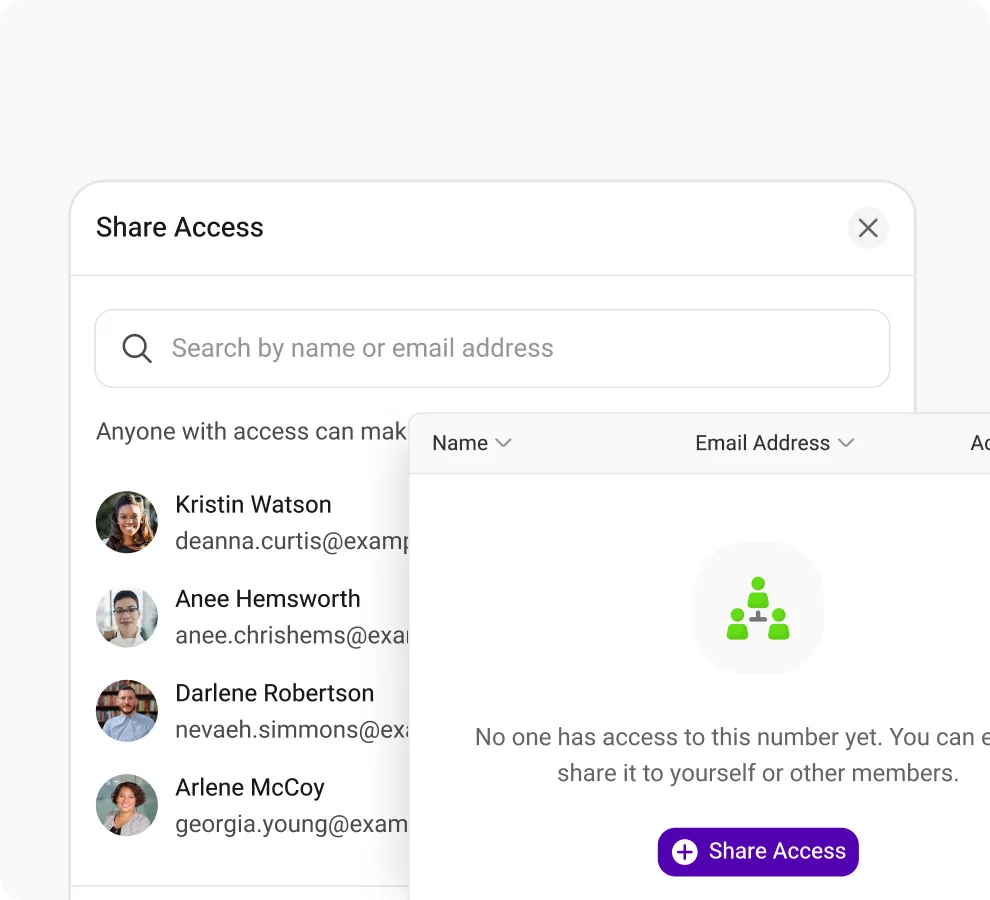
Shared Number
Boost customer response by sharing your number with your team members and eliminaing missed calls.
Phone Tree (IVR)
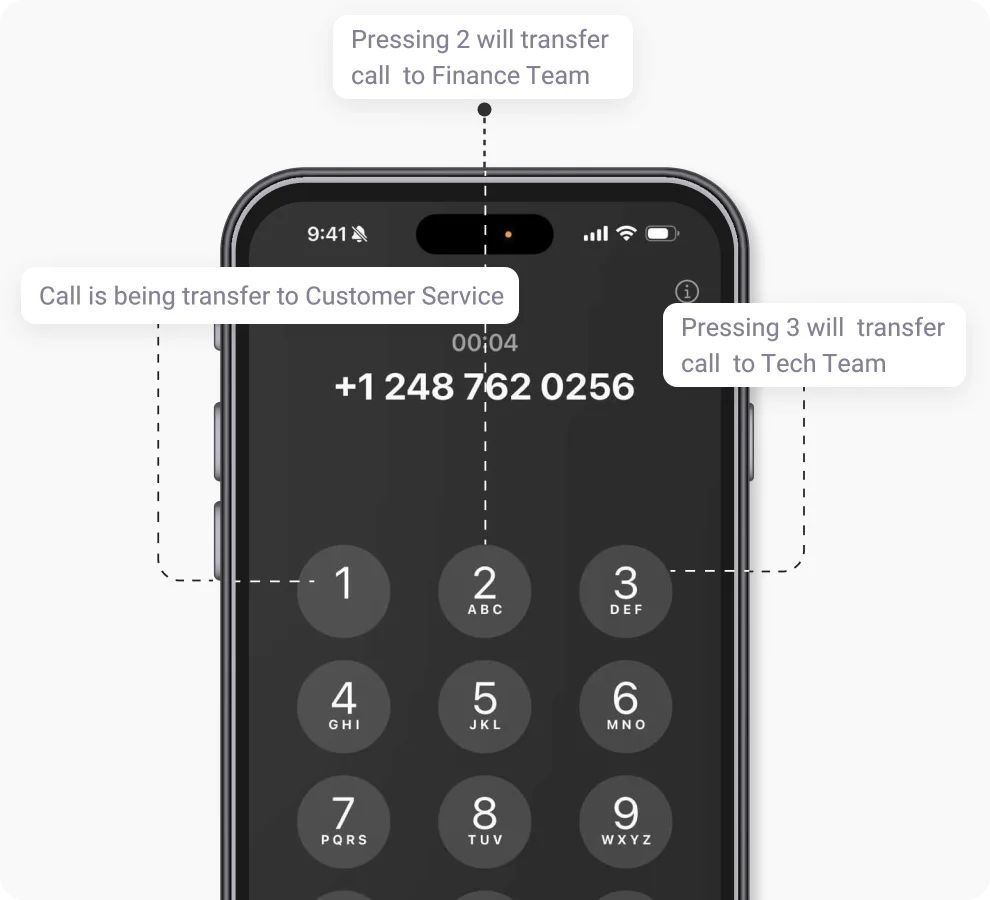
Leverage KrispCall's phone tree for efficient call routing, ensuring swift access to the right department for information.
Call Analytics
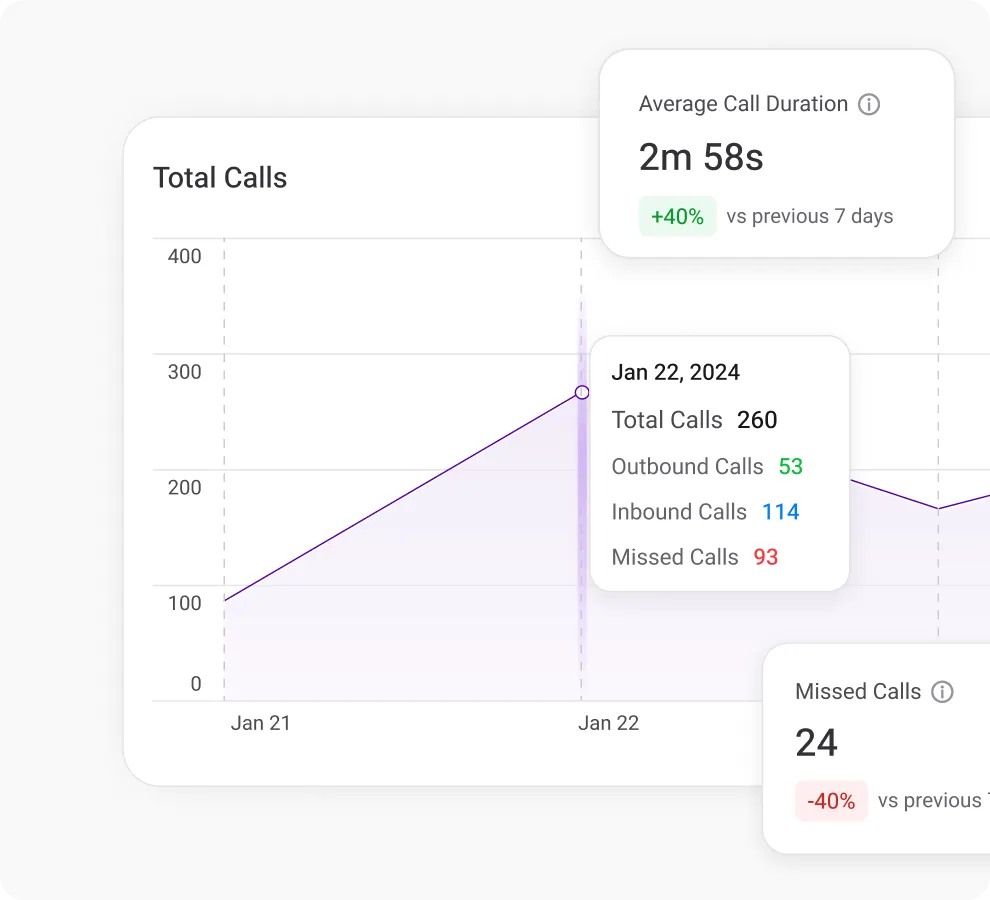
Get comprehensive call metrics in real time with KrispCall's analytics, covering volume, duration, inbound/outbound calls & more.
Frequently Asked Questions
Didn’t find the Answer you were looking for? Visit our Help Center or Contact Support
Yes, it is legal to have multiple phone numbers. A person may have more than one phone number for a variety of legitimate reasons, such as personal use, business use, or specific purposes, such as online transactions or temporary use. Separate phone numbers can be used to manage different aspects of one’s life, to maintain privacy, or to organize communications.
There are different apps that can provide you with multiple phone numbers on a single device. Here are some of them:
- KrispCall
- Google Voice
- Grasshopper
- Vonage
- TextFree
- Burner
- Sideline
You can get multiple phone numbers on Android. Here are some of the few methods to get multiple numbers:
- Dual SIM: You can have multiple numbers on one Android phone if it has multiple SIM cards and can support Dual SIM/Dual Standby (DSDS).
- VoIP service: You can buy multiple phone numbers by contacting VoIP providers like KrispCall
- Carrier Additional Lines: Inquire with your carrier whether you can obtain additional Android phone numbers.
- eSIM Technology: You can add a secondary phone number to your Android phone without needing a physical SIM card if it supports eSIM (electronic SIM). Activate an additional line with your carrier if they support eSIM.
You can get multiple phone numbers on iPhone using the given methods:
- Carrier-Provided Additional Lines
- Dual-SIM iPhones can use two SIM cards.
- Use VoIP apps like KrispCall and buy multiple numbers
- Add a second phone number to your iPhone using eSIM (electronic SIM) technology.
You can have as many VoIP numbers as you want. However, it also depends on the VoIP providers, and also you’ll have to pay additional money as you add numbers.
You can get multiple phone numbers on cellular providers and VoIP service providers. However, you can only use up to two phone lines using cellular service and get as many as you want using VoIP phone service.
Yes, you can use multiple KrispCall numbers on both iPhone and Android devices from a single app, without needing multiple phones.
You can get multiple phone numbers on cellular providers and VoIP service providers. However, you can only use up to two phone lines using cellular service and get as many as you want using VoIP phone service.
Yes, each phone number can be assigned to a specific team or department so calls and messages are handled efficiently.
Yes, KrispCall virtual numbers can integrate with platforms like Microsoft Teams, Skype for Business, and other VoIP apps. Usage, including verification messages, is allowed only in countries where regulations permit it.
