Custom Caller Id
Custom Caller ID
Get more calls answered with a trusted business number. If you’re using multiple numbers, customers may ignore unfamiliar calls or hesitate to pick up. With KrispCall, you can display a consistent, recognizable number on every call to instantly build trust and improve answer rates.
Take full control of your caller ID. Choose which number to show for sales, support, or any campaign, and switch it anytime with just a few clicks. Even when traveling, you can keep using your business number without worrying about roaming costs.



Get a Virtual Number
Get local, mobile, and toll-free virtual phone numbers from 100+ countries and expand your business worldwide.
How to Set Up Custom Outbound Caller ID on KrispCall?
To Set up your custom outbound caller ID on KrispCall – first of all, sign in & log in to the dashboard, go to My Numbers, and click on the Number Setting option. Afterward, select the phone number to set up a custom caller ID, go to the Caller ID section, and add an external number. You will receive an OTP Code in the external number entered. Enter your OTP code and verify it.

Sign up for KrispCall and log in to the dashboard.

Tap the My Numbers menu, Click on the Number setting option.

Choose the phone number to set up a custom caller ID.

Go to the Caller ID section and add an External Number.

You will receive an OTP code in your External number.

Input the OTP Code and click the Verify button. After that, all your outgoing calls will show the external number you set in the receiver's device.

What is Custom Caller ID?
Custom Caller ID is a feature that gives businesses full control over what appears on a recipient’s screen when making outbound calls. Instead of displaying a random, private, or unfamiliar number, you can show a specific business number, your company name, or even a particular department, giving recipients the context they need to answer with confidence.
With spam and robocalls at an all-time high, an unrecognized number is often enough reason to ignore a call entirely. Custom Caller ID eliminates that barrier by making every outbound call look exactly as professional and trustworthy as your business is.
How Does Custom Caller ID Work?
Custom Caller ID works by allowing users to personalize their number and to be displayed with an external number when making outgoing calls. Instead of displaying a standard phone number, user can configure their caller ID number specific to their business number.
Custom caller ID allows customers to receive a call from your agents, or delivery persons through a customized business number and it protects customer numbers when they try to reach agents, delivery persons, or cab drivers with a masked number rather than the customer number to ensure data security for both ends.

Number Masking Vs Custom Caller ID: The Differences
Number Masking |
Custom Caller ID |
|---|---|
Number Masking refers to a technique that completely conceals the real phone numbers of both parties by routing calls through a temporary or proxy number. |
Custom Caller ID refers to a feature that allows businesses to choose and display a specific number or name to recipients when making outbound calls. |
It ensures full anonymity by preventing either party from seeing the other's real number. |
It gives businesses control over how they appear to recipients, building trust and brand credibility. |
Both the caller and the recipient remain anonymous to each other. |
It protects the business or employee's actual number while still identifying the brand to the recipient. |
It works across calls, texts, and other messaging channels. |
It is primarily used for voice calls. |
Common use cases are online marketplaces, ride-sharing apps, dating platforms, and any service where two parties need to communicate without revealing personal numbers. |
Common use cases are sales teams, customer support, and businesses managing multiple departments or locations. |
Benefits of Using Custom Caller ID for Business

Best Practices for Using Custom Caller ID for Business Calls

Stay compliant with local regulations

Use a consistent and recognizable number

Match your caller ID to the purpose of the call

Test before going live
More Features like Custom Caller ID
Voicemail Greeting
Record customized, professional and creative voicemail greetings to greet callers with automated voice messages.

Multimedia Messaging
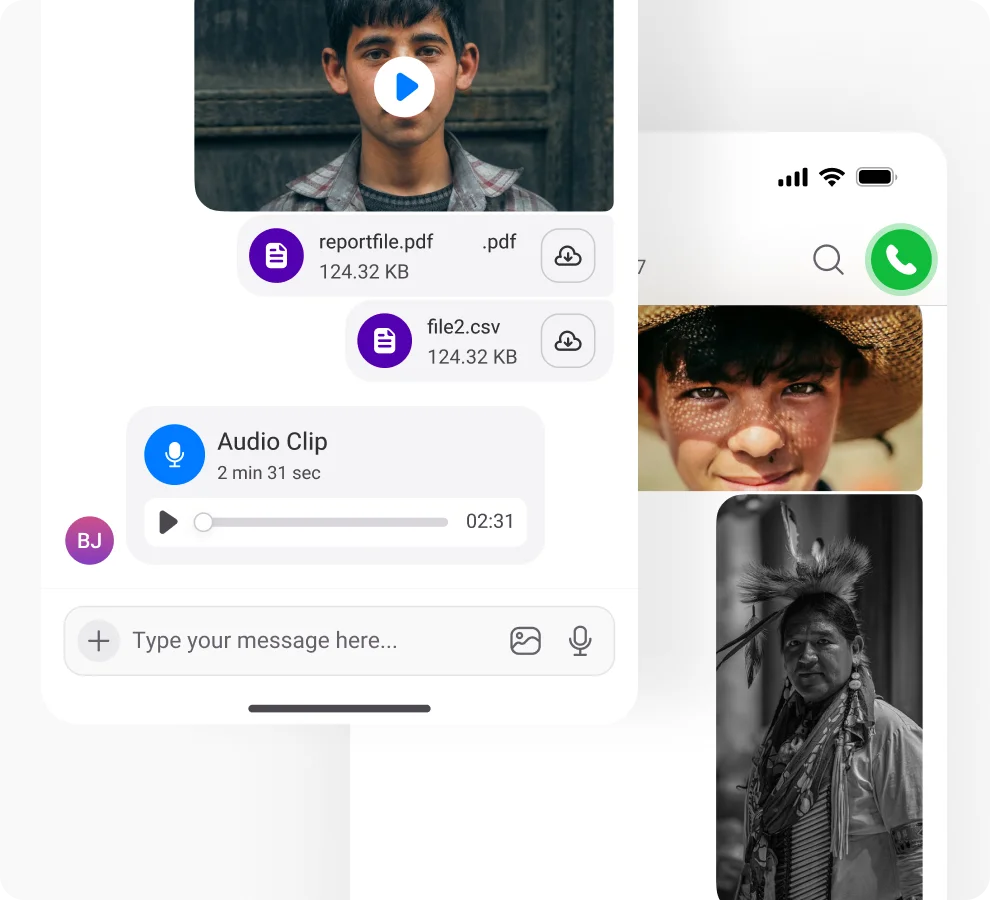
Engage your audience with MMS to boost brand recognition with vibrant images and compelling videos.
Call Analytics
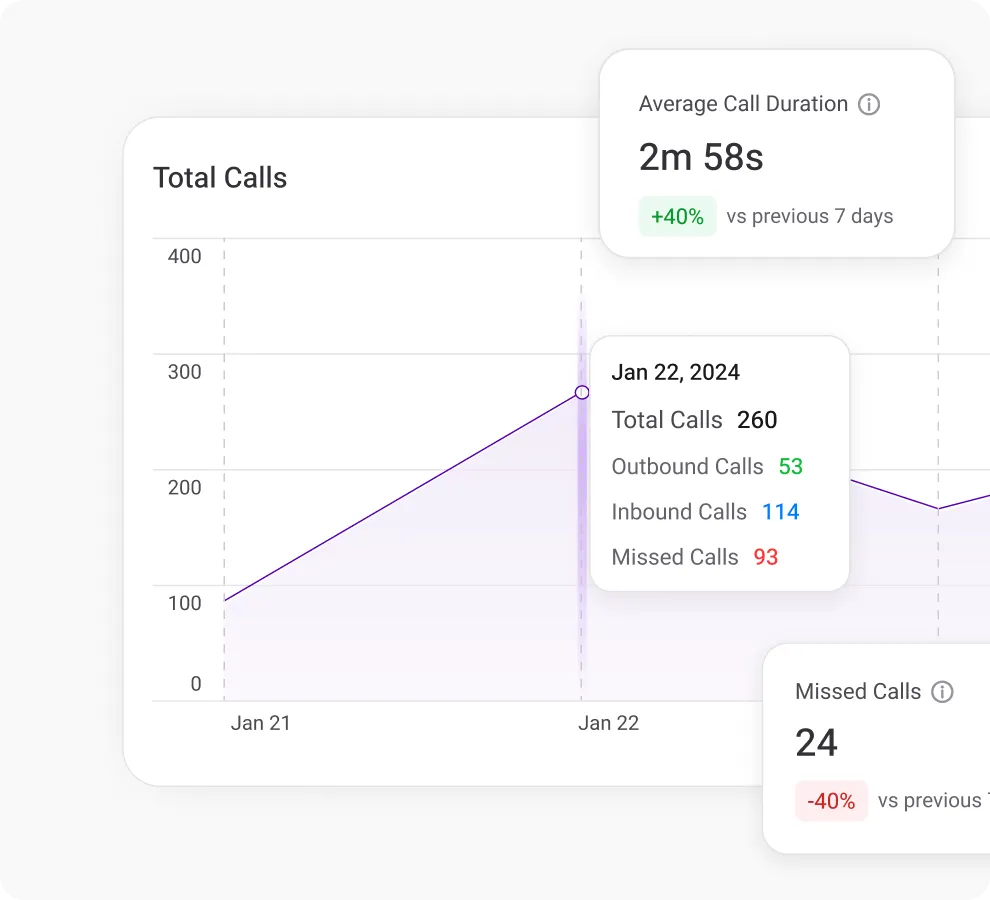
Use simultaneous ringing to ring multiple agents at once and ensure swift call answering & consistent customer interactions.
Frequently Asked Questions
Didn’t find the Answer you were looking for? Visit our Help Center or Contact Support
The objective of customizing outbound caller ID is to create a distinct and trustworthy identity for the person making the call. It is essential for creating a brand image, promoting transparency, influencing positive perceptions during outgoing calls, and enhancing customer relations & business interactions.
Yes, call masking is legal as long as the intent of the caller is not malicious or deceptive. It is legal in most of the countries worldwide by following their country’s local rules and regulations.
Businesses need to customize their caller while calling because it helps an organization to improve client recognition, improve call answer rate, maintain security & privacy, and build a brand image.
Call masking protects users’ privacy by hiding their actual phone numbers while making a phone call. It protects caller contact information by replacing the real phone number with a temporary number. It empowers users to communicate without showing their real numbers, and without any misuse of personal contact information.
Phone number masking in contact centers is a feature that is used to hide the real phone numbers of both agents and customers during a phone call.
A masked phone number is a temporary number that is used to hide the actual phone number of the recipient while making a phone call. When a user makes a call, the real phone number is replaced with a temporary/external number, ensuring the privacy and security of a caller’s personal information.
The different types of businesses that leverage call masking are:
- E-commerce: During product order and delivery communications, online retailers use call masking to protect customer details.
- Healthcare: In the healthcare sector, Call Masking is used to keep patient interactions confidential and ensure privacy.
- Call Centers & Financial Agencies: It leverages call masking to enhance security and privacy during customer services and financial transactions.
To mask your phone number with another number, you can use a cloud telephony service provider. To mask your phone number, follow the below steps:
- Sign up and log in to a Cloud Telephony Service Provider.
- Tap on My Numbers.
- Select the Number you want to Mask.
- Go to the Caller ID section & add another number.
- You will receive an OTP code on your other number.
- Put the code and verify the number, then your outgoing calls will show another number in the receiver devices.
Phone number masking, known as caller ID masking, works by allocating a temporary number to both callers. When a phone call is dialed, it goes via a web-based API proxy service, changing the real phone number with an auto-generated proxy number. The calls pass through an API platform, reaching the receiver as a masked phone number.
After the call ends, the proxy phone number will be recycled, creating a new layer of privacy for consecutive communication. This procedure allows the customer to interact with obscurity, the temporary numbers act as protection to the real number during a call. Many other cloud telephony platforms mask a verified external number while making a call.
It is free to set up a caller ID customization feature on KrispCall. You only need a desired virtual phone number on your KrispCall app to use.
