Remote Team
Best Phone System for Remote Team
An ally whom you can trust for reliable, efficient, and secure connection anywhere, anytime. Liberate yourself from traditional office settings and build remote teams seamlessly with the KrispCall remote phone system, ensuring no communication gaps.
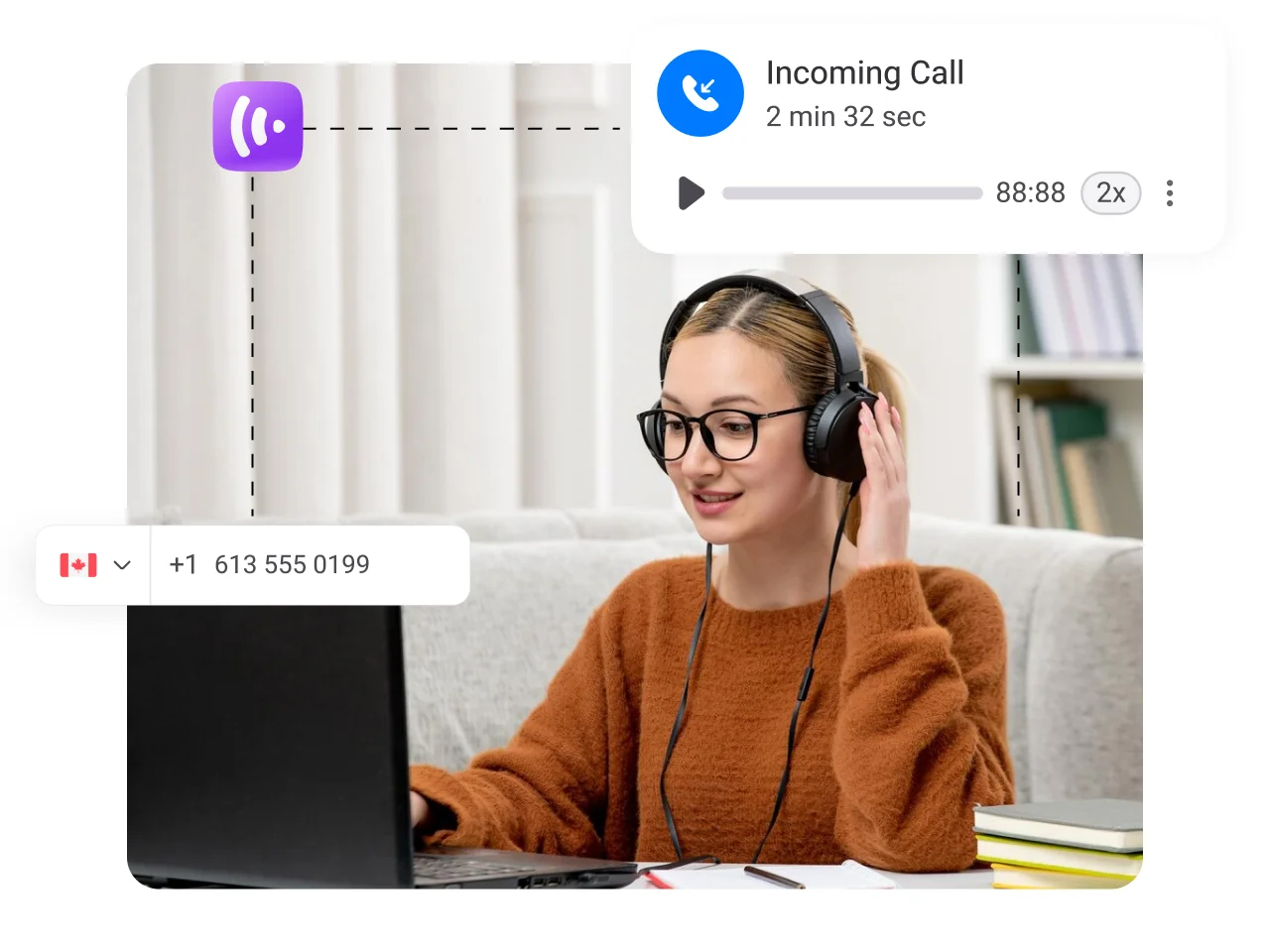


Get a Virtual Number
Get local, mobile, and toll-free virtual phone numbers from 100+ countries and expand your business worldwide.
9000+ companies worldwide trust and cherish our service













How to Set Up Phone System for Remote Team?
Setting up your remote team phone system with KrispCall is straightforward. Just follow these easy steps, and your phone system will be up and running in no time.

Signup to your KrispCall Account

Submit the necessary documents to obtain a virtual number for your chosen location.

Then, invite and onboard your agents onto the platform.

Allocate the virtual numbers to your remote team members.

Finally, start making and receiving calls with your team.
Why Choose KrispCall’s Phone System for
the Remote Team?
Effortless Setup and Proper Support
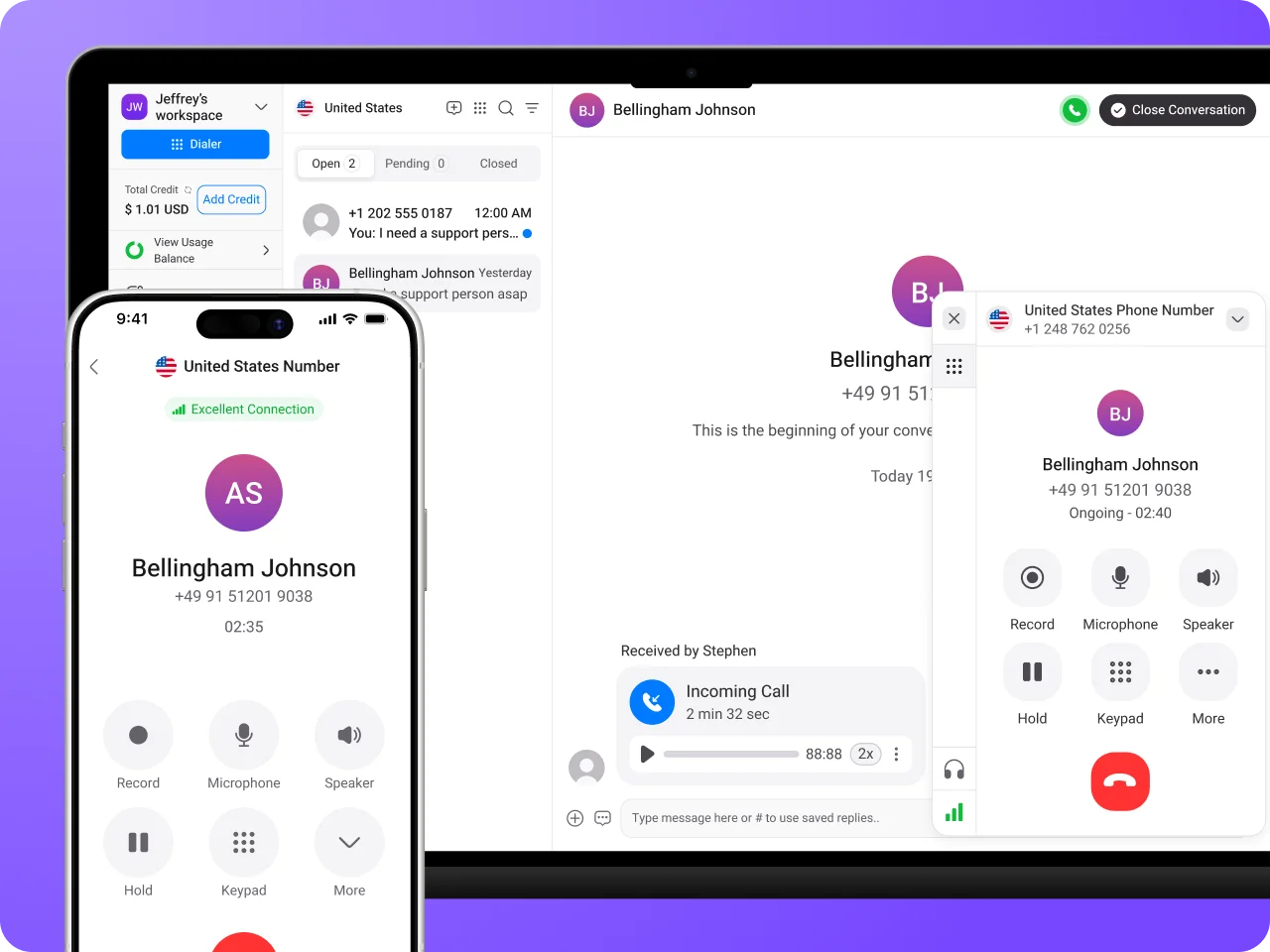
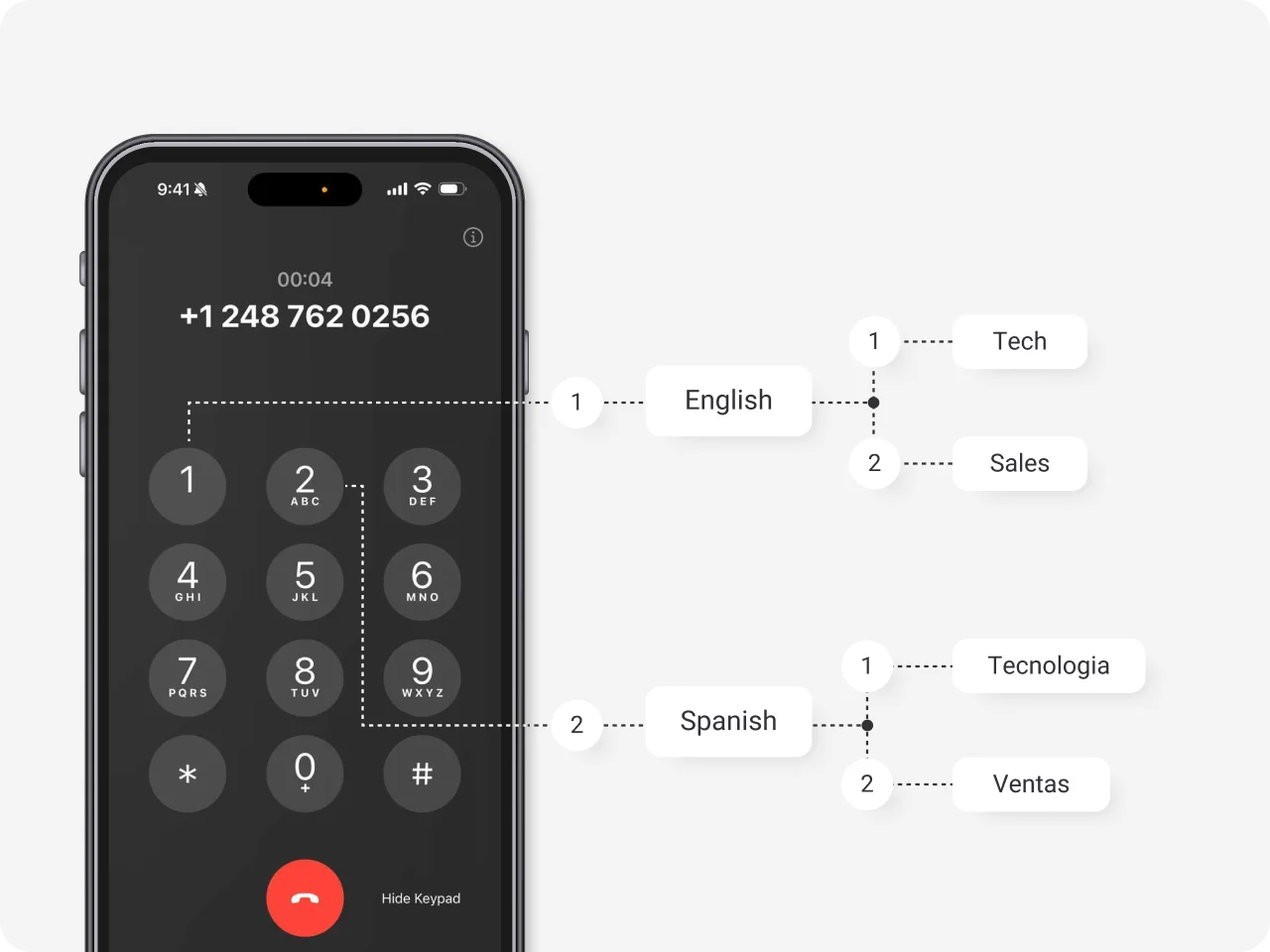
Optimized Call Management
Budget-Friendly Solutions
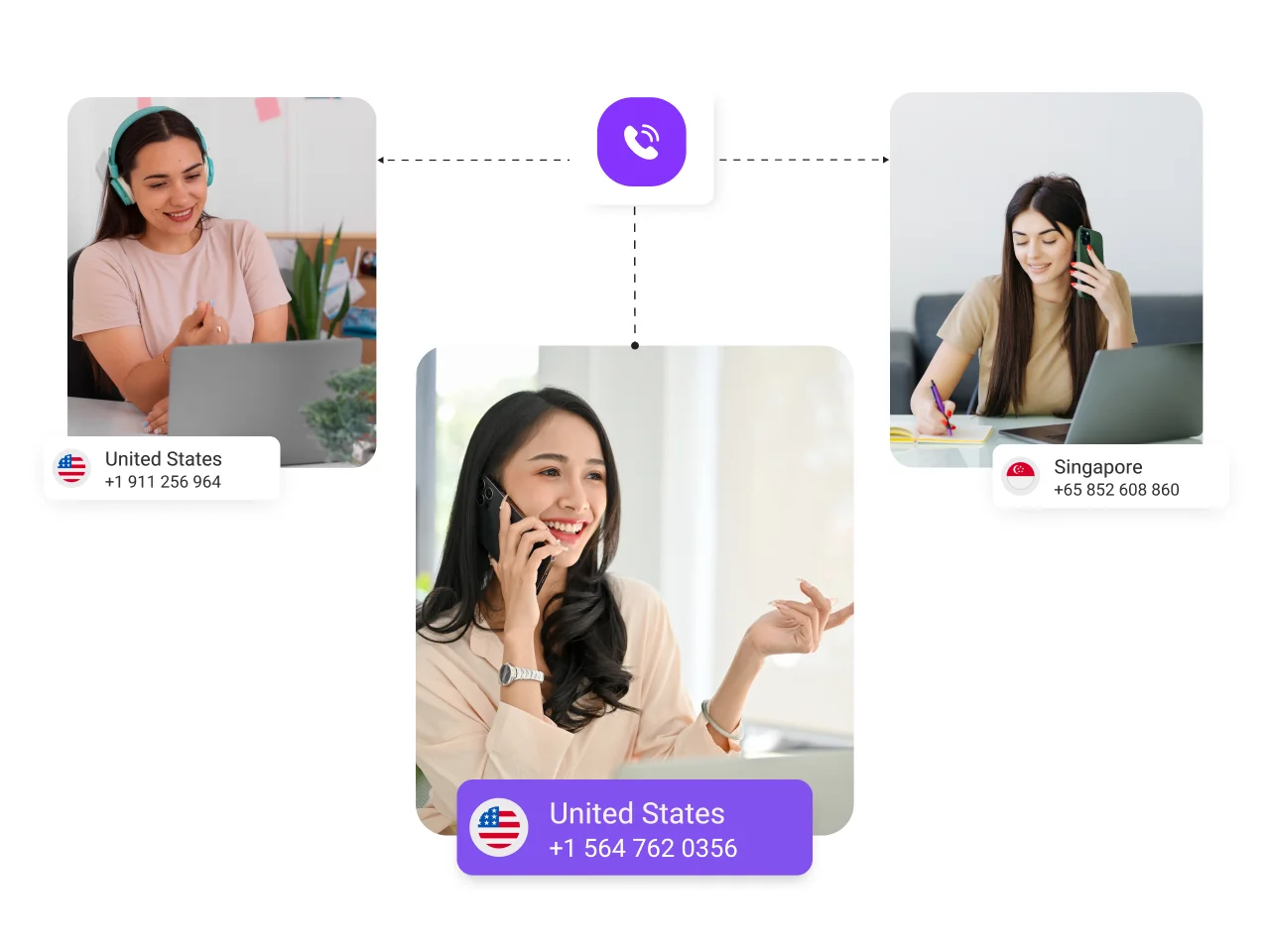
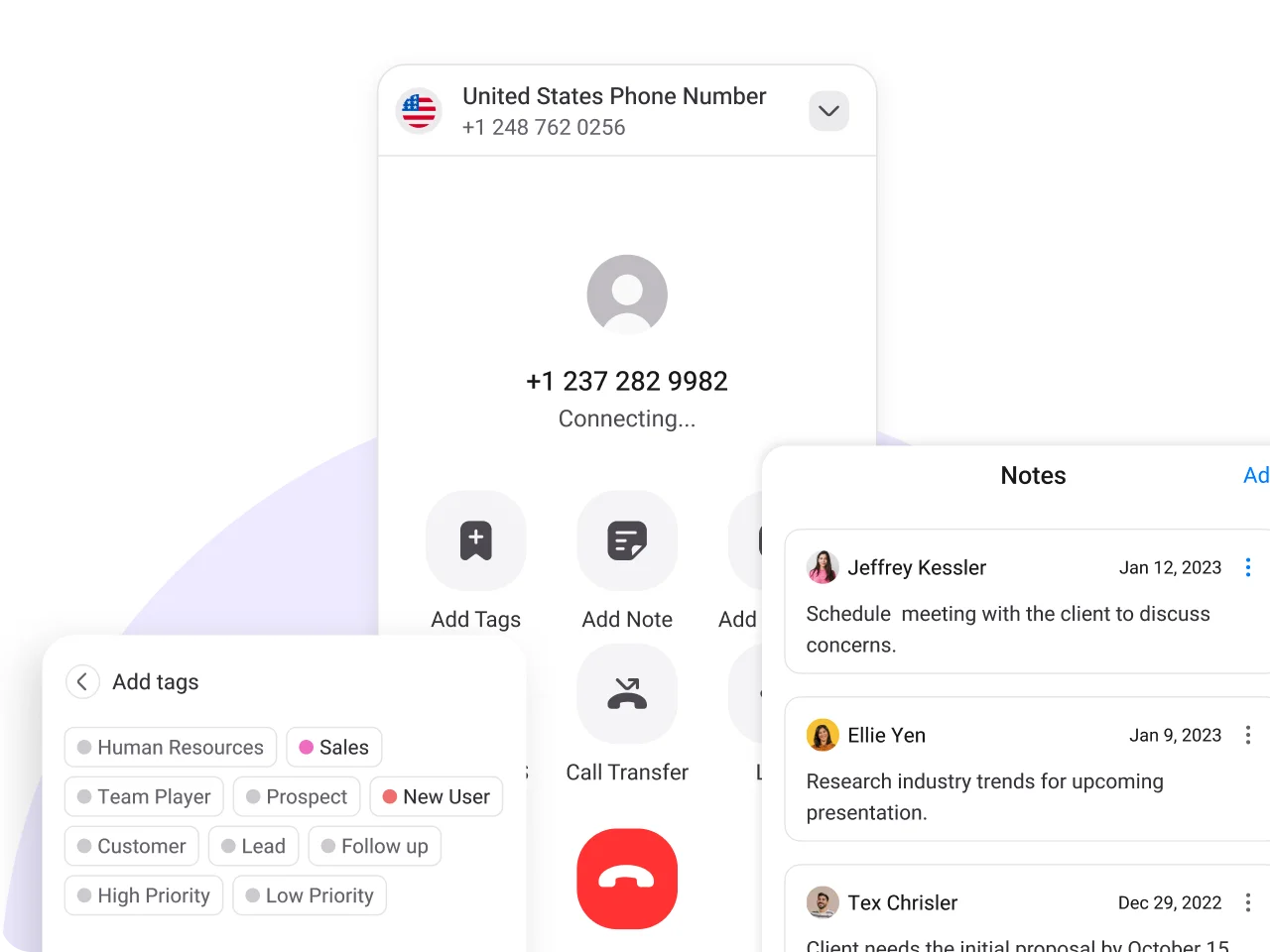
Advanced Collaboration
Expand Your Office Worldwide with Virtual Office Phone Numbers
Easily handle incoming calls from customers and businesses to provide greater customer support at their preferred country number.


Top-notch Features to Enhance Your Remote Team Telephony
Discover features designed to streamline and enhance your calls with clients.
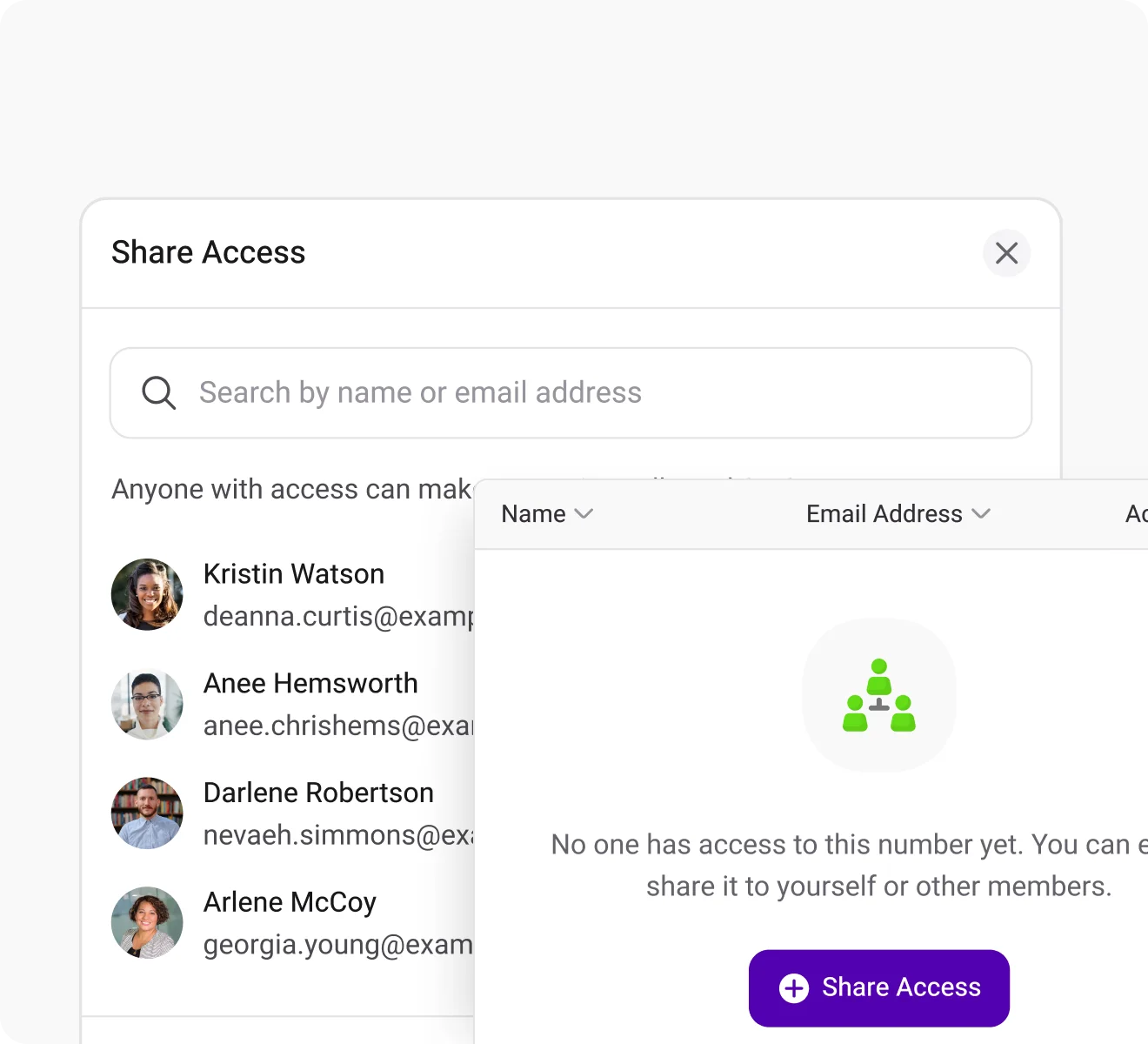
Shared Number
Boost customer response by sharing your number with your team members and eliminating missed calls.
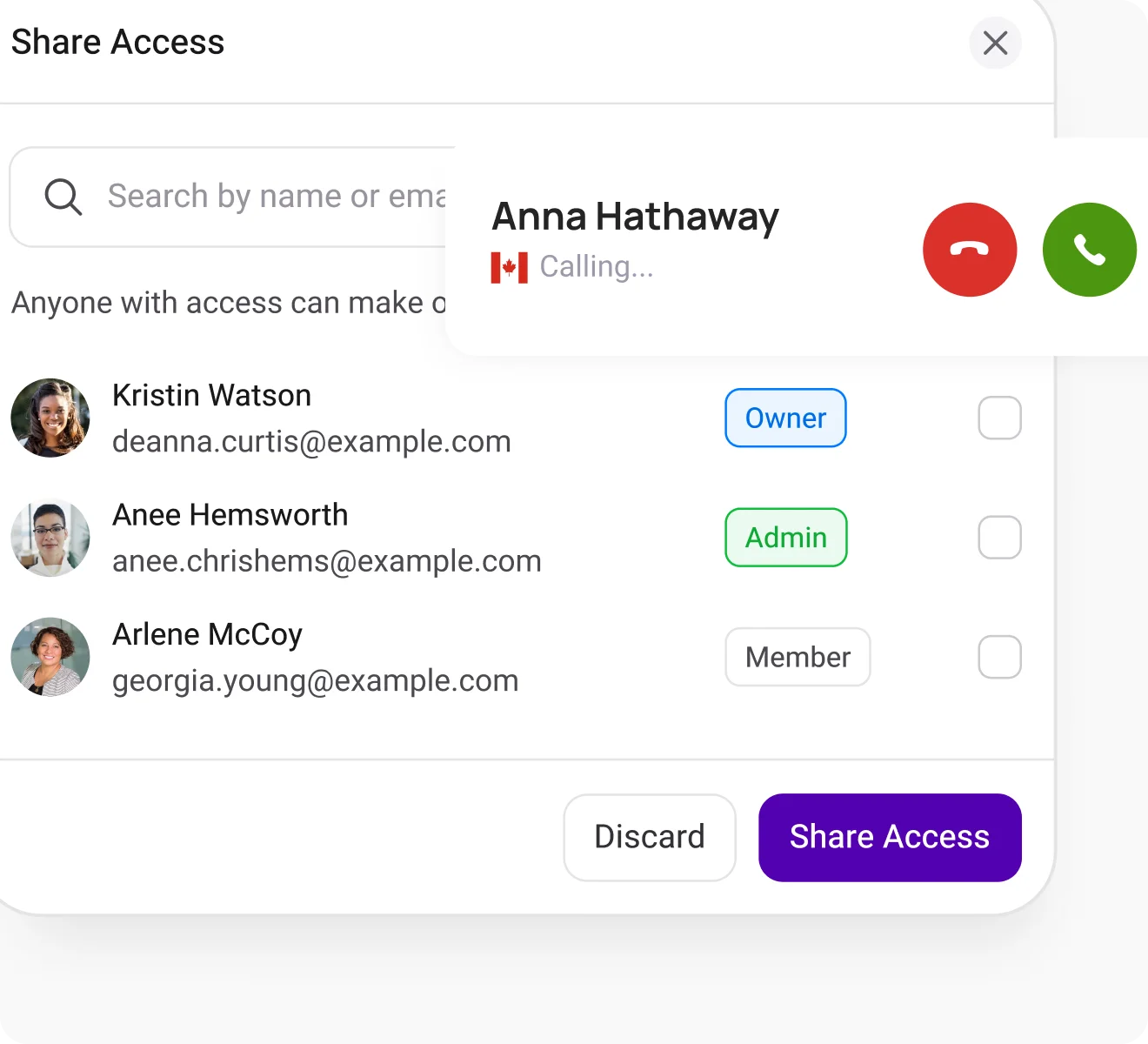
Simultaneous Ringing
Use simultaneous ringing to ring multiple agents at once and ensure swift call answering & consistent customer interactions.
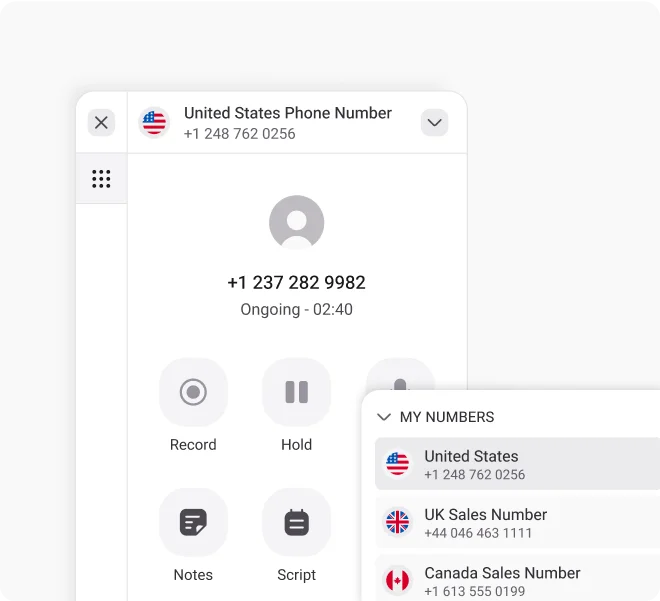
Power Dialer
Manage a large volume of outbound calls by automating call dialing and improving agent efficiency & sales performance.
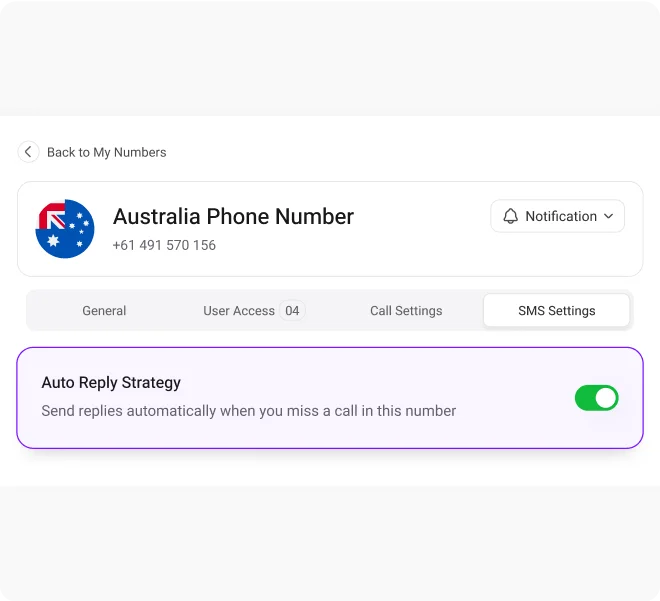
Auto Reply for Missed Call
Enhance caller experience by sending replies for their missed calls. Prompt them on how to reach your business even when you're unavailable.
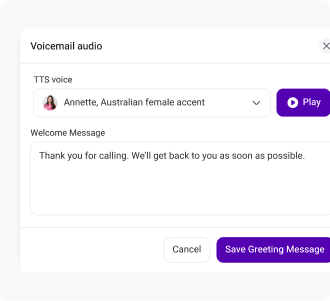
Voicemail Greeting
Record customized, professional, and creative voicemail greetings to greet callers with automated voice messages.
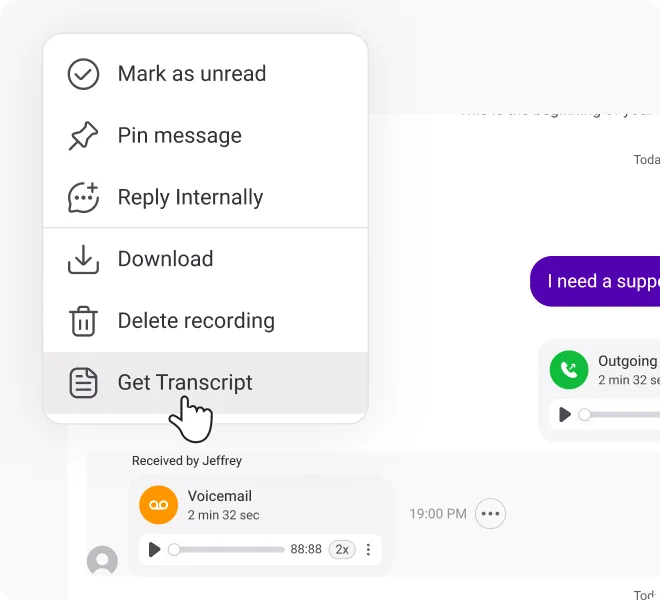
Voicemail Transcription
Get written transcripts of your voicemails, extract key information, and ensure you never miss important details or opportunities.
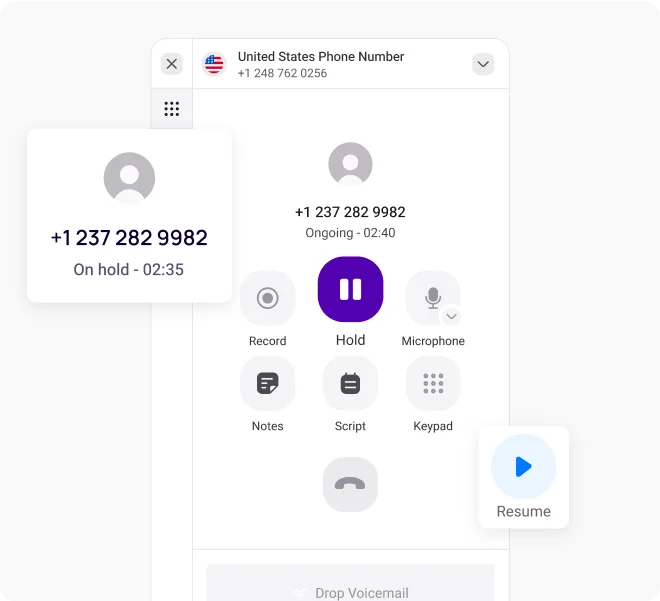
Call on Hold
Hold calls for extra client support without disconnecting, ensuring uninterrupted assistance whenever needed.
Call Recording
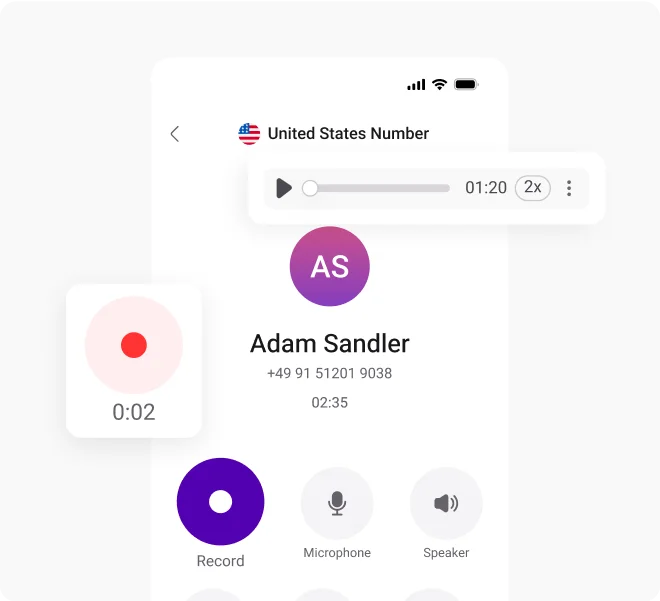
Record phone calls to document the details shared in past conversations and deliver exactly what clients want.
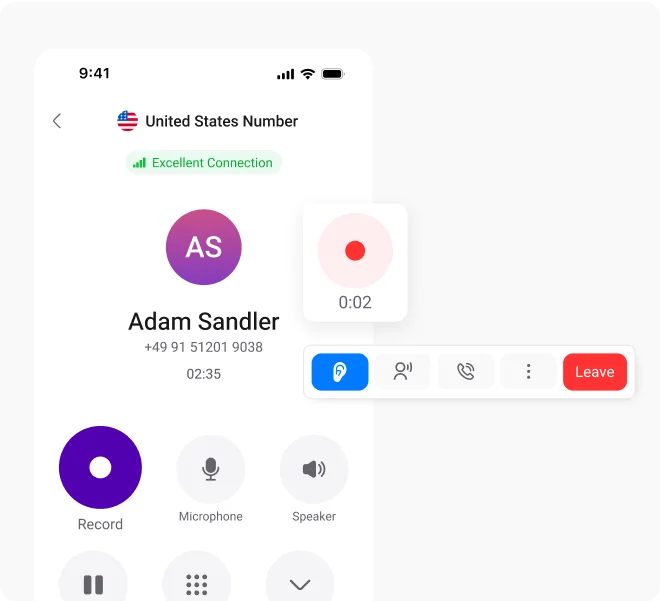
Live Call Monitoring
Monitor live calls to ensure quality standards and gain real-time insights that drive performance and customer satisfaction.
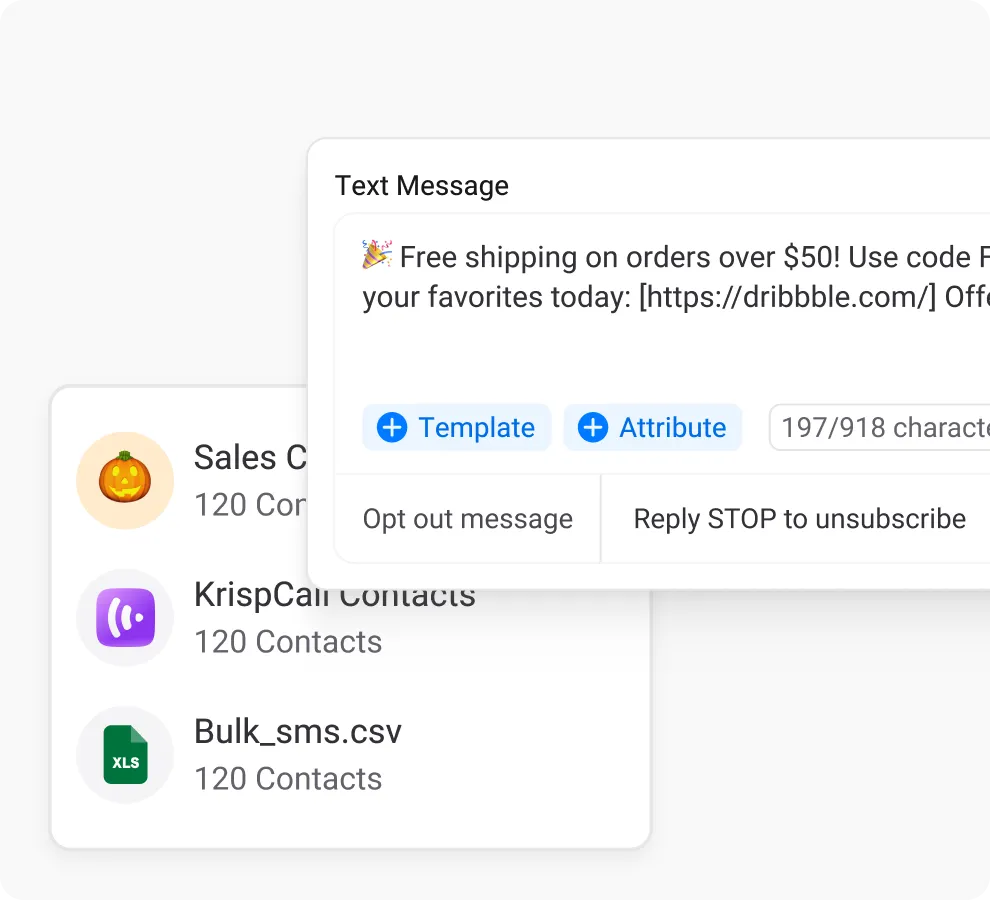
Bulk SMS
Convey a message to a large audience in one go. Reach your audience with important announcements instantly and efficiently.
Proud to be Recognized as VoIP Leader & Regional Leader in ANZ, EMEA, Europe, and Asia Pacific by G2








J C.
HR Officer

Jun 23, 2025
“I love how easy KrispCall is to use, and the helpful support makes it easy for me to manage multiple numbers and stay connected globally.”

Mike B.
Co-Founder and Business Dev...
Jun 04, 2025
“KrispCall won us over with lightning-fast support, effortless access to numbers and SMS, and pricing that makes sense for small businesses.”

Tkachenko E.
Software Developer
Apr 21, 2025
“KrispCall lets me manage all my calls, texts, and voicemails from one place, helping me stay organized and present a professional image wherever I work.”

Amanda C.
CEO
Jan 22, 2025
“KrispCall’s quick, respectful customer support helped me find the perfect solution for global calls and a customer service number!”

Nagendra V.
Digital Marketing Specialist
Oct 07, 2024
“KrispCall makes global calling effortless with all the tools I need in one place—perfect for connecting with clients worldwide & my digital marketing needs!”

James S.
Software Engineer
May 21, 2025
“KrispCall’s easy setup and intuitive interface keep my team’s communication organized, while its AI-powered platform has streamlined global calls and customer interactions.”

Taha Ryuko S.
Founder & CEO
May 29, 2025
“We received a prompt response right after reaching out, and KrispCall helped resolve my virtual identity issue.”

Colin L.
Server
Feb 11, 2025
“We use KrispCall for a Hong Kong number to receive OTPs—the service is reliable, support is excellent, and the daily usage emails keep us in the loop.”

Lucas W.
Product Manager
Dec 3, 2024
"KrispCall’s authentic, professional service and exceptional customer understanding make staying connected with clients effortless—I’m very happy with it!"

Pushkar Verma
Director
Aug 12, 2024
“The setup process was very easy, with chat support available during our business hours. We needed a UK number with WhatsApp setup, and this solution met our needs at a reasonable price.”

Turan B.
Researcher
Jun 05, 2025
“KrispCall helped me get a virtual number that makes international calling smooth and easy.”

Sandeep M.
Real Estate Specialist
Apr 22, 2025
“KrispCall helped me get a UK number and set up WhatsApp and Telegram effortlessly for my real estate client calls from Dubai.”

Teddy M.
Finance Professional - Busin...
Feb 04, 2025
“Super quick setup and amazing support, KrispCall made it easy for our customers to reach us!”

Hunter F.
Business Analyst
Nov 12, 2024
"KrispCall’s amazing VoIP features and seamless number porting have been essential for managing my international business calls and remote team—highly recommended!"

Matthew Jones (JP, AFIML)
Associate Fellow
Jul 18, 2024
“Been using KrispCall for a while now and the service is great and the customer support is so responsive”
Integration With CRM Software & Other Business Tools
KrispCall streamlines the connection between your call center and CRM systems, along with a range of business tools, enhancing your interaction power and elevating the efficiency of your customer service.
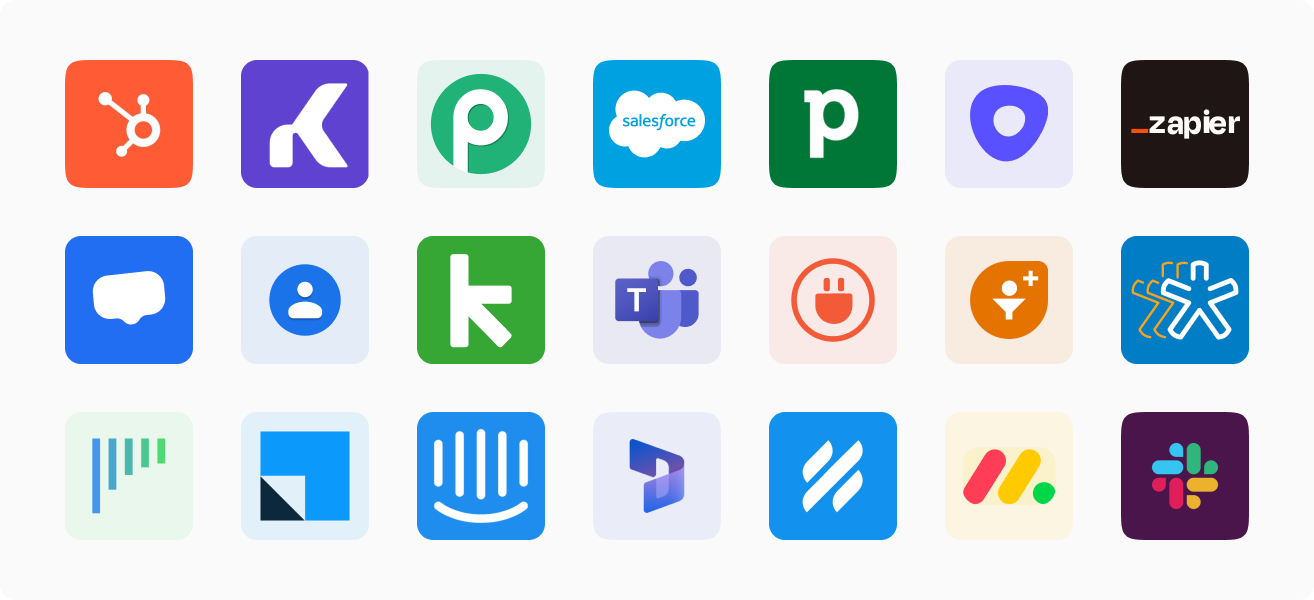
Find your CRM
Connect with the CRM applications you use. With KrispCall, you can integrate with over 100 applications seamlessly.
Types of Phone Numbers Available for Remote Team
Discover the various phone number options available for remote teams.
Enhance your business communication with VoIP toll-free numbers, making it easy and cost-free for customers to contact you. Increase engagement and foster lasting customer loyalty.
Get Your VoIP Toll-Free Number TodayElevate your business presence in the local market with our unique local phone number. Eliminate long-distance fees and experience seamless communication with your customers.
Upgrade Your Business with a Local NumberLeverage mobile numbers for dependable and cost-effective business communication and OTP verification. Seamlessly connect with your teams and clients through calls and SMS.
Get A VoIP Mobile Phone NumberSecure a catchy, keyword-focused phone number for your business that customers will remember effortlessly. Boost your lead generation strategies and drive your business to new heights.
Get A VoIP Vanity Phone NumberEffortlessly migrate your existing phone number to KrispCall’s cloud telephony platform. Experience smooth number porting with KrispCall, fully compatible with all carriers.
Port Your Phone NumberPhone System For Other Teams


Pricing
Choose the plan that best suits your needs, all offered at an incredible price with absolutely no hidden fees.
Essential
$ 15
Per user per month
Calling & SMS charges applicable
Recommended for Small Businesses, Startups & Freelancers
Standard
Popular$ 40
Per user per month
Calling & SMS charges applicable
Recommended for Mid-size Businesses & Call Centers
Enterprise
Custom
Pricing
Calling & SMS charges applicable
Custom solution for teams with varying needs. Upgrading to Enterprise plan
How to Choose the Best Phone System for the Remote Team?
Choosing the right phone system is crucial for keeping the remote team aligned on the same goal and managing workflow. Therefore, you must consider many factors before making the choice. Some of the key factors are as follows:
Frequently Asked Questions
Didn’t find the Answer you were looking for? Visit our Help Center or Contact Support
A business phone system for remote teams can cost between $50 and $200 per month. The cost varies depending on several factors, such as the remote team’s size, features included, the selected VoIP provider, and any other additional services.
A remote team needs a VoIP business phone system because it helps them stay informed and connected with business workflows although they are working outside of the office premises. Plus, it provides flexibility, collaboration tools, and integration options that enable remote teams to work efficiently and effectively.
Some features essential in a virtual phone system for remote teams include:
- Call recording
- Voice-to-text transcription
- Unified callbox
- Audio and video conferencing
- Screen sharing
- Unlimited calls and messaging
- Integrations option
- Call analytics
- Automatic Call Distribution (ACD)
- Caller ID
- IVR (Interactive Voice Response)
The benefits of VoIP phone systems for remote teams include:
- Allows team members to make and receive calls from anywhere and on any device through an internet connection.
- It provides advanced VoIP features such as omnichannel communication, video and audio conferencing, screen sharing, instant messaging, call routing, and more.
- Enables managers to monitor call data and remote agent performance through analytics and reporting features.
Several telephony software providers offer attractive features and interfaces at different prices. Considering their market reputation and customer reviews, the top telephony software providers are:
- KrispCall
- Freshworks
- Nextiva
- RingCentral
- CircleLoop
- MightyCall
- 8×8
- Dialpad
- RingOver
- Ooma
A VoIP (Voice Over Internet Protocol) is best for remote teams because it allows remote team members to handle incoming and outgoing business calls from anywhere and on any device. Moreover, a VoIP phone system has features like video conferencing, screen sharing, and business messaging. These features enable remote teams to connect and collaborate seamlessly, creating an experience that feels just like working together in the same room.
